
The right WhatsApp message at every step of the trip
Your customers live on WhatsApp. OptiNest connects your WhatsApp Business number through the official API, sends the routine messages automatically and gives your team one shared inbox for every chat.
 OptiNest
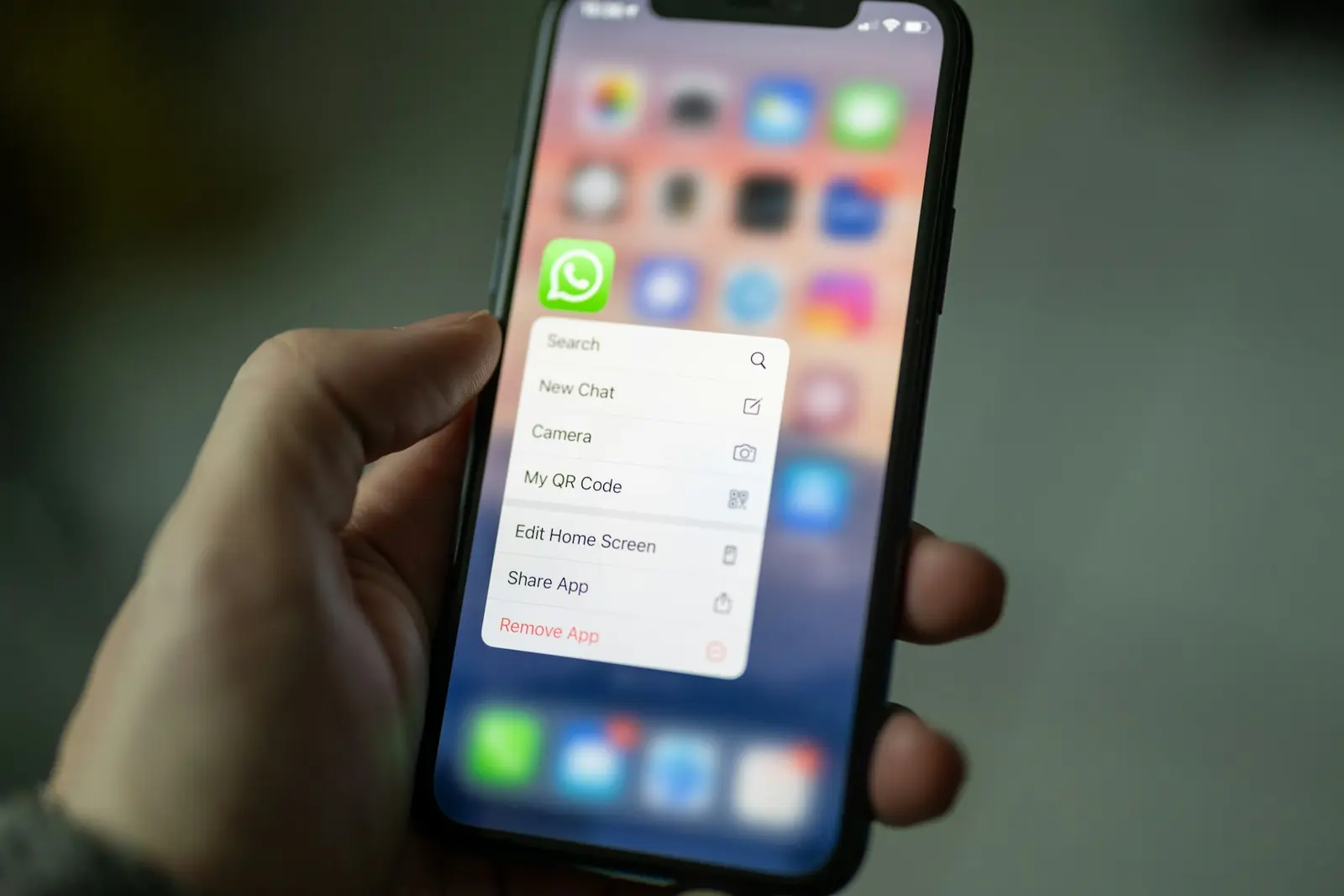
Why whatsapp automation matters
Staff type the same messages again and again, forget payment reminders and trip details, and customer chats sit on one person's phone where nobody else can see them.
See it in a free demoFour simple steps
- Connect your number
Link your WhatsApp Business number through Meta's official API.
- Approve templates
Ready-made message templates are submitted for Meta approval.
- Switch on automations
Choose which messages go automatically, with quiet hours.
- Chat as a team
New chats become enquiries; anyone can reply from the inbox.
What you can do with WhatsApp Automation
Instant thank-you with a reference number.
Sent when a booking is created.
Before and on the due date, with UPI details.
Plan, cab, driver and helpline before travel.
One-minute feedback link after the trip.
Team replies, night auto-reply and STOP opt-out.
What your business gains
Routine messages sent for you.
Reminders that never forget.
Travellers always informed.
Our team configures it with your data and trains your staff.
Related features
WhatsApp Automation FAQs
Do we need the WhatsApp Business API?
For automatic messages, yes. OptiNest uses Meta's official Cloud API with your own number. One-tap ready messages work without it.
Who pays for the messages?
Meta charges your WhatsApp Business account directly, per message, at its published rates.
Will customers get messages at night?
No. Quiet hours hold messages until morning, and customers who reply STOP stop receiving automatic messages.
Try WhatsApp Automation with your own trips and team
Book a free demo. We will show you the exact workflow your staff would follow.